The learning challenge was not a shortage of information
In a large institutional kitchen, standards matter every day. Handwashing, cleaning, food handling, equipment use, safety and quality procedures must be understood and applied consistently—often while teams are working to demanding production schedules.
The organisation in this story already had SOPs and quality messages. It also used classroom training. The harder question was whether important instructions could remain visible, understandable and easy to revisit once people returned to work.
Many members of the kitchen and supply-chain workforce had limited literacy. Personal smartphones could not be assumed. A conventional LMS, built around individual logins, written navigation and personal devices, was therefore a poor fit for a significant part of the intended audience.
This was not a case of employees being unwilling to learn. The delivery model was asking them to learn through formats and devices that did not reflect their working reality.
The useful device was already in the kitchen
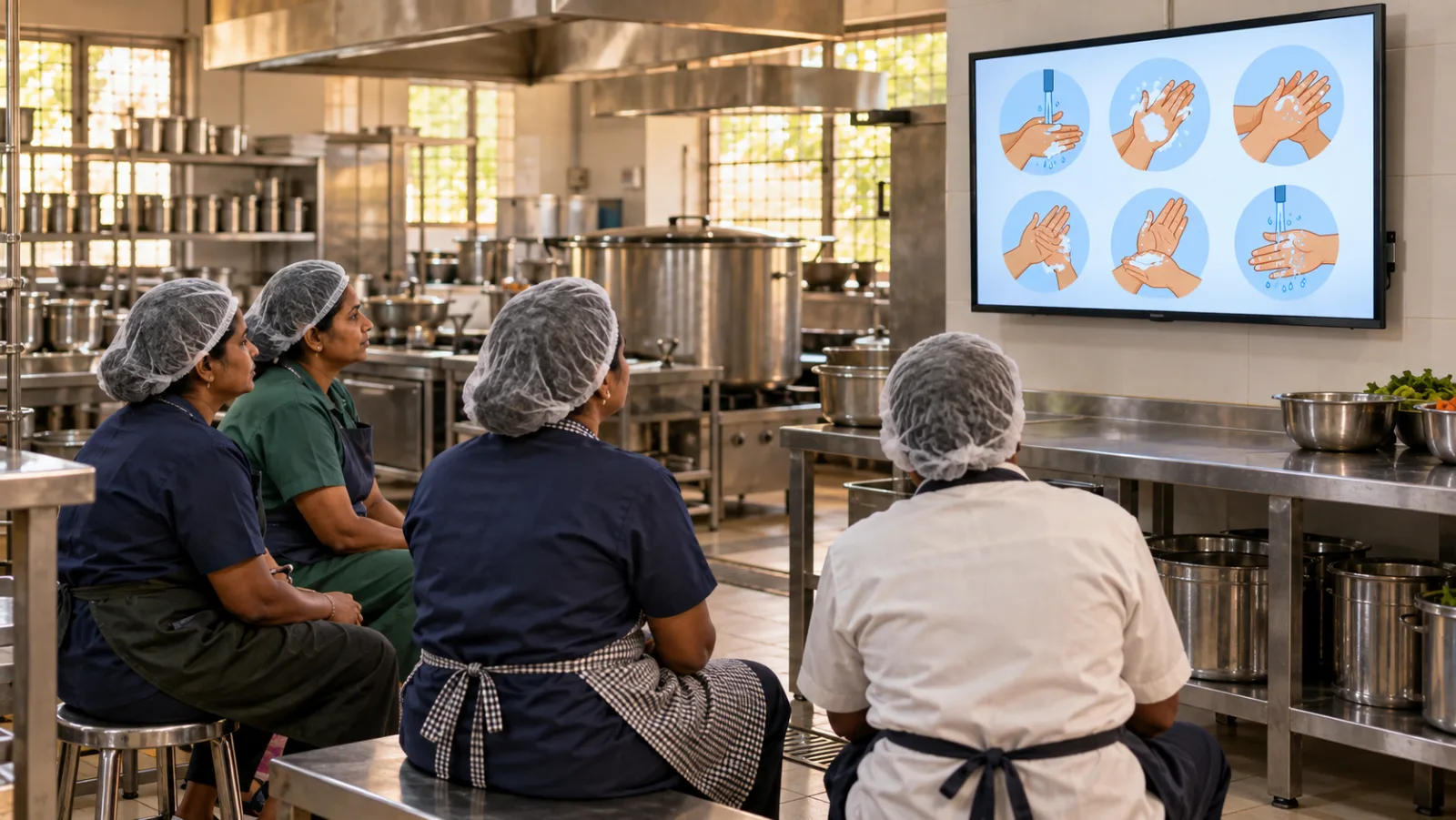
The kitchen already had a television used to share quality-related messages. It was familiar, visible and positioned where teams could gather around it.
That changed the design question.
Instead of asking how every employee could be moved onto a new learning application, the organisation and Lurny explored how the existing screen could become a practical learning point. The television did not need to imitate a desktop LMS. It needed to help a group see a process, hear the guidance and connect both to the work around them.
The resulting approach turned an ordinary workplace screen into a shared learning kiosk. No personal smartphone was required. No complex navigation stood between the employee and the lesson.
The infrastructure began with something the workforce already knew how to use.
Design for seeing, hearing and repeating
LurnySahiyog was used to make SOP learning more visual and voice-led. Instead of relying on dense written instructions, the experience used picture-led sequences supported by spoken guidance.
A process could be broken into clear visual steps. Voice could explain what was happening, why it mattered and what the learner should pay attention to. The format could support guidance in a language familiar to the team without making reading the gateway to understanding.
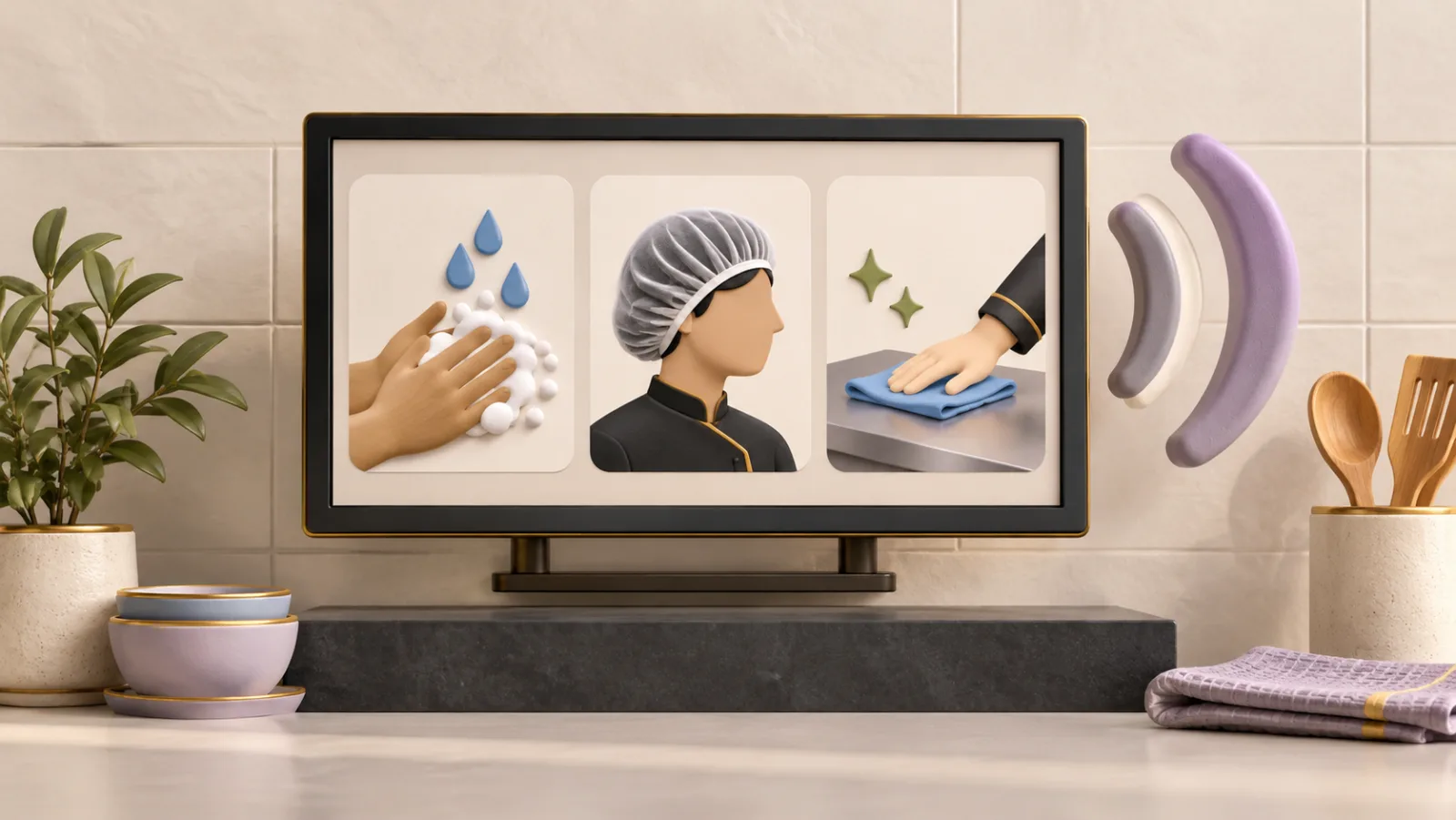
The television also made learning collective. A group could watch together. A facilitator or supervisor could pause, replay and discuss a step. The same screen could support an initial explanation and later reinforcement.
This did not remove the need for supervision, demonstration or practice. It gave those activities a more accessible starting point.
What changed in the learning model
A shift in approach, not measured before-and-after evidence.
From text-first
to picture-and-voice
Written SOPs remain important as controlled reference documents. But the employee experience does not have to reproduce the document word for word.
For the kitchen team, the learning layer could translate a procedure into recognisable actions: what to do, what correct practice looks like and what to avoid. Voice added explanation without making literacy a prerequisite.
From personal devices
to shared access
Many digital-learning designs assume that each learner owns a suitable device, has reliable connectivity and is comfortable navigating an application. The kitchen-kiosk approach did not begin with those assumptions.
It used a shared screen already present at the point of work. That made access less dependent on device ownership and allowed learning to happen as a team activity.
From one-time instruction
to repeatable reinforcement
Classroom sessions can introduce a subject, but a procedure may need to be revisited long after the session ends. A persistent workplace screen creates the possibility of short, repeated reminders close to where the procedure is performed.
That does not prove that behaviour changed. It does make reinforcement easier to organise than when the learning experience disappears with the end of a classroom session.
A lesson designed for the kitchen floor
Consider a short module on cleaning a preparation surface. The sequence might show the items to be cleared, the correct cleaning material, the order of actions and the visual condition of the surface when the task is complete.
The learner would not need to interpret a long paragraph. Each step could appear as a large image while voice guidance explains the action. The group could then move to the work area, demonstrate the process and receive feedback from a supervisor.
Possible learning sequence
- See the correct process as a short picture-led sequence.
- Hear the instruction and the reason behind the step.
- Watch the critical action again if needed.
- Demonstrate the process at the workstation.
- Reinforce the same standard later through a short visual reminder.
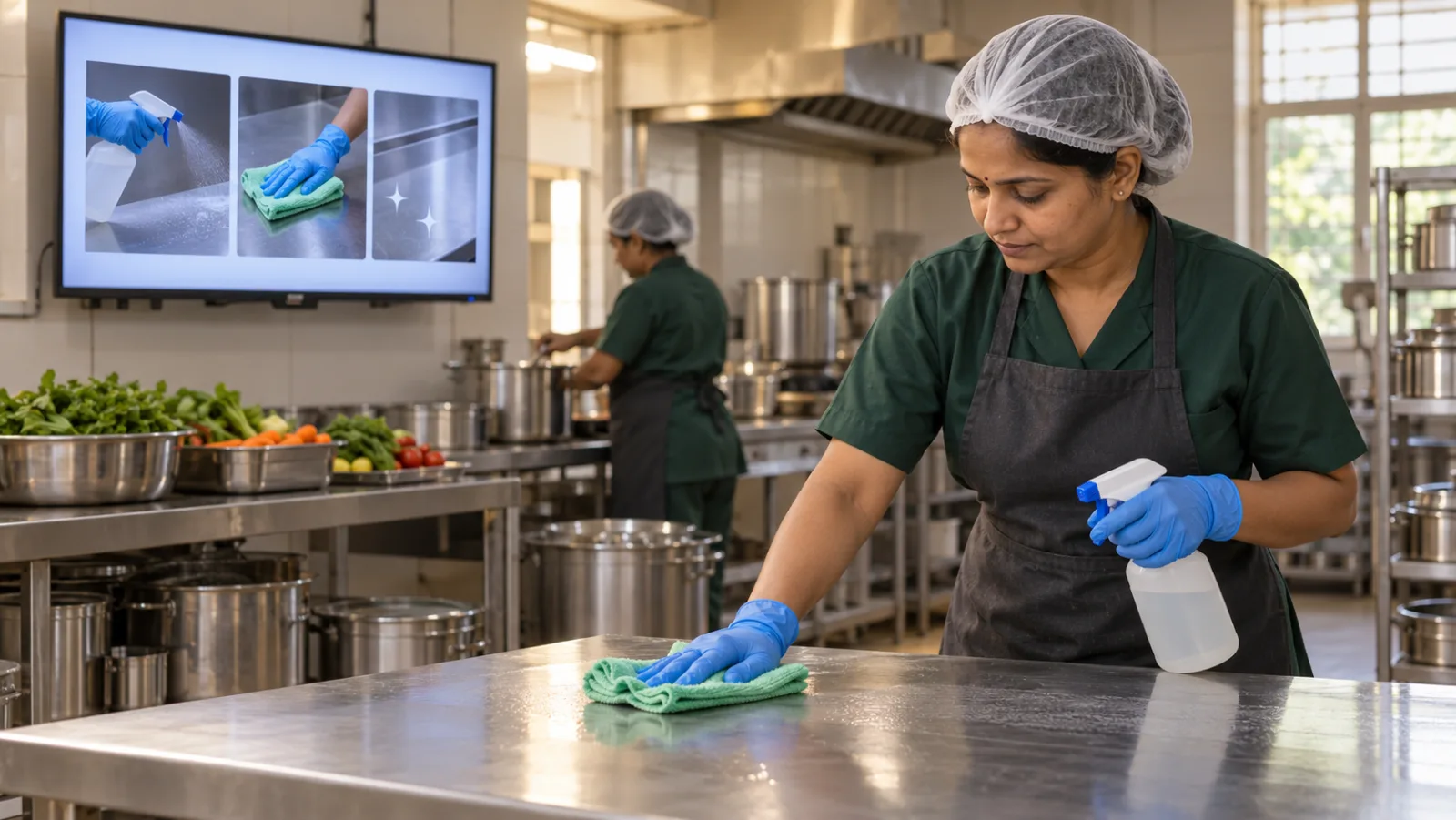
This example illustrates the learning design. It is not a reproduction of a customer module, a training record or evidence of a measured outcome.
Accessibility is not simplification
Replacing dense text with pictures and voice does not mean lowering the standard. The SOP remains the source of truth. The work is to preserve the meaning of that standard while expressing it in a form the audience can use.
That requires discipline. A visual must show the right action, not merely look attractive. Voice guidance must be clear and consistent. Critical warnings must not disappear in the effort to shorten the lesson. Supervisors still need to confirm that the procedure has been understood and applied correctly.
The value of inclusive design is not that it makes the work easier to describe. It makes the required standard easier to reach.
Evidence should follow the work
What this story does not claim
The existing screen, picture-led modules and voice guidance describe the implementation approach. They do not by themselves demonstrate better safety, quality or productivity. A meaningful evaluation would need to look at what happened after the learning:
- Demonstration
- Whether employees could carry out the procedure afterwards, not merely watch it.
- Observation
- Whether supervisors saw more consistent practice on the floor.
- Repeat errors
- Whether they reduced, and whether the material was actually revisited when teams needed it.
- Study design
- A defined period, cohort and comparison. None has been claimed in this story.
The immediate lesson is more fundamental: learning cannot support performance if people cannot readily access or understand it.
Meet people where the work happens
The most important piece of technology in this story was not a new device. It was the recognition that useful infrastructure was already present.
By combining an existing television with picture-led, voice-supported learning, the organisation created a route around two common barriers: dependence on personal smartphones and dependence on written navigation.
The wider principle applies well beyond kitchens. Start with the people, the work and the environment. Then choose a format that fits all three.
Sometimes the shortest route to digital learning begins with the screen people already use.